
Download SWF Easy – Create Animated Content for Websites
Overview
SWF Easy is a mobile application designed to simplify the creation of animated web content for users of all experience levels. The app enables users to design and export animations in multiple formats, including GIF, SWF, and AVI, making it a versatile tool for web developers and designers. Its primary purpose is to empower individuals—especially those new to web development—to produce engaging visual elements such as buttons, banners, and dynamic graphics without requiring advanced technical skills.
The app addresses the common challenge of creating professional-grade animations without access to complex software or extensive training. By leveraging a WYSIWYG (What You See Is What You Get) interface, SWF Easy ensures that users can visualize their designs in real time, reducing the learning curve associated with animation tools. This makes it particularly valuable for beginners who need a reliable starting point in web content creation.
Real-world use cases include designing promotional banners for small business websites, creating interactive buttons for e-commerce platforms, and producing lightweight animations for mobile-responsive web pages. The app’s focus on accessibility and usability positions it as a practical utility within the mobile productivity ecosystem, especially for users who need to generate visual assets on the go.
Although the developer did not provide additional background information, the app’s design philosophy suggests a strong emphasis on user empowerment and creative freedom. With its release date set to 2020-09-11, SWF Easy has been available in the market for several years, indicating a stable presence in the mobile tools category.
Key Features & Functionality
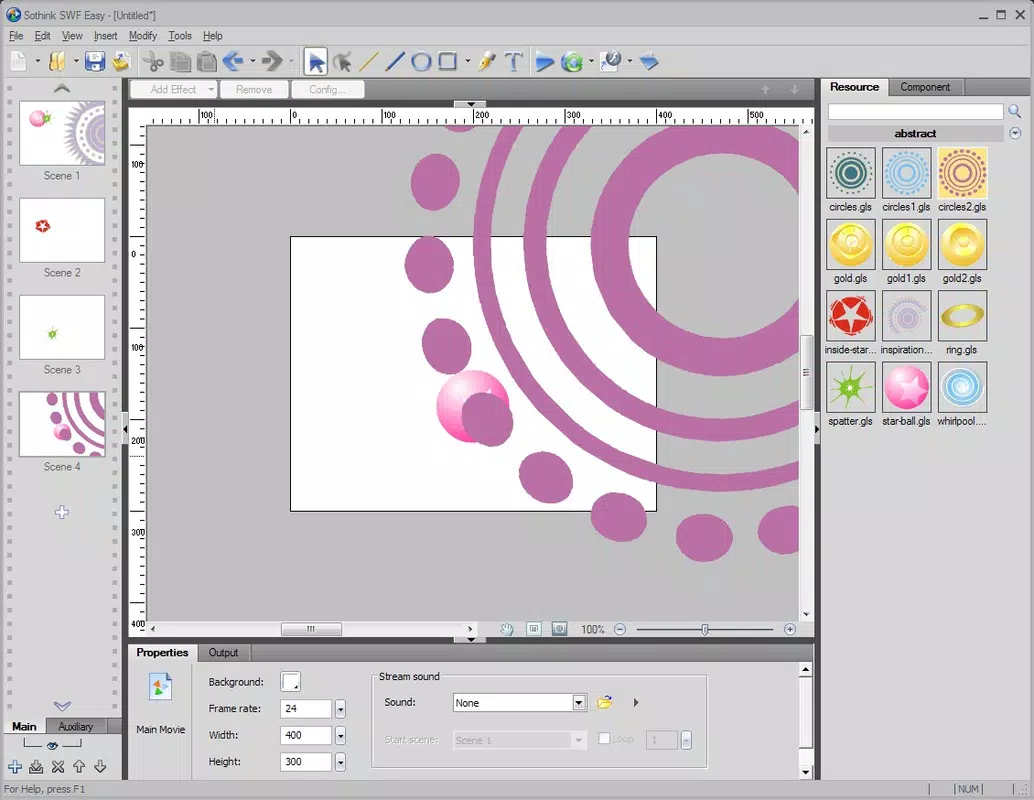
- WYSIWYG Interface: The app uses a What You See Is What You Get design approach, allowing users to create animations while seeing the exact output in real time. This eliminates guesswork and ensures precise control over visual elements.
- Diverse Template Library: SWF Easy includes a wide range of pre-designed templates for buttons, banners, and other web graphics. These templates can be customized to match brand colors, text, and animation styles, enabling rapid prototyping.
- Multiple Export Options: Completed projects can be exported in GIF, SWF, or AVI formats. This flexibility supports various use cases, from web integration to presentation sharing or social media content.
- Beginner-Friendly Workflow: The app is structured to guide new users through the animation process step by step. Features like drag-and-drop elements and intuitive timeline controls reduce the complexity of animation creation.
- Dynamic Animation Tools: Users can create animated sequences with smooth transitions, motion paths, and frame-by-frame control. This functionality allows for expressive, interactive content suitable for modern web design.
For example, a small business owner could use SWF Easy to design a custom animated banner for their website, selecting a template, adding their logo and text, and exporting it as a GIF for immediate web use. Similarly, a student learning web development could experiment with animation principles using the app’s intuitive tools without needing to install desktop software.
Interface, UX & Performance
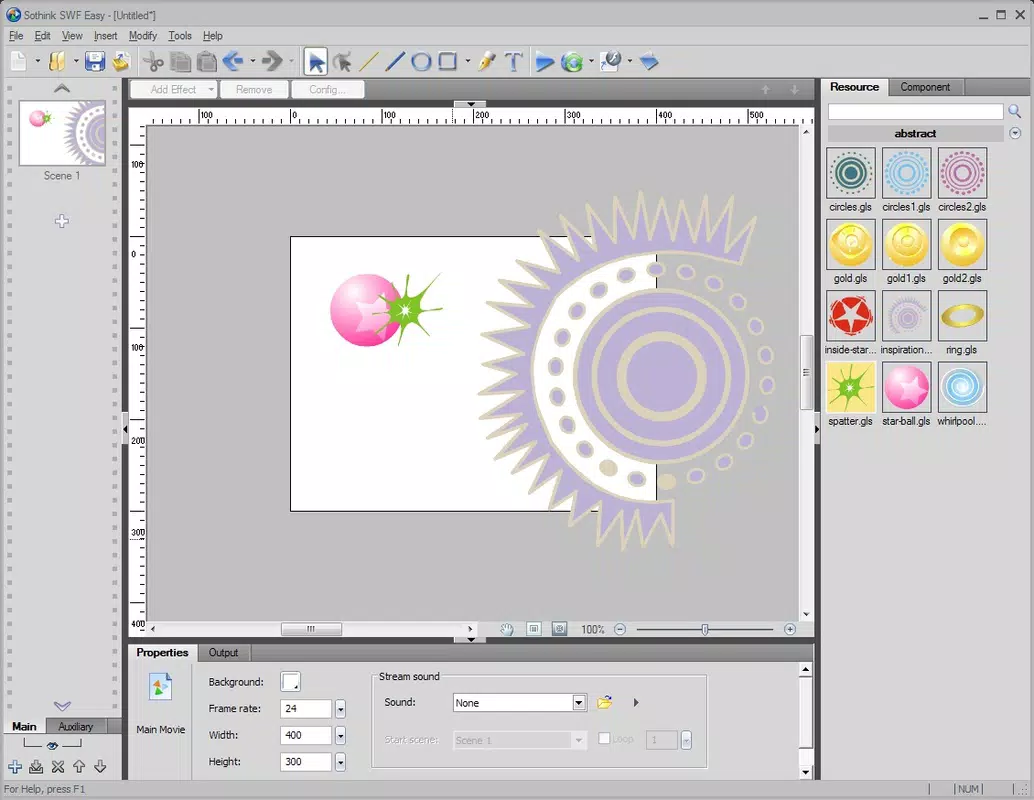
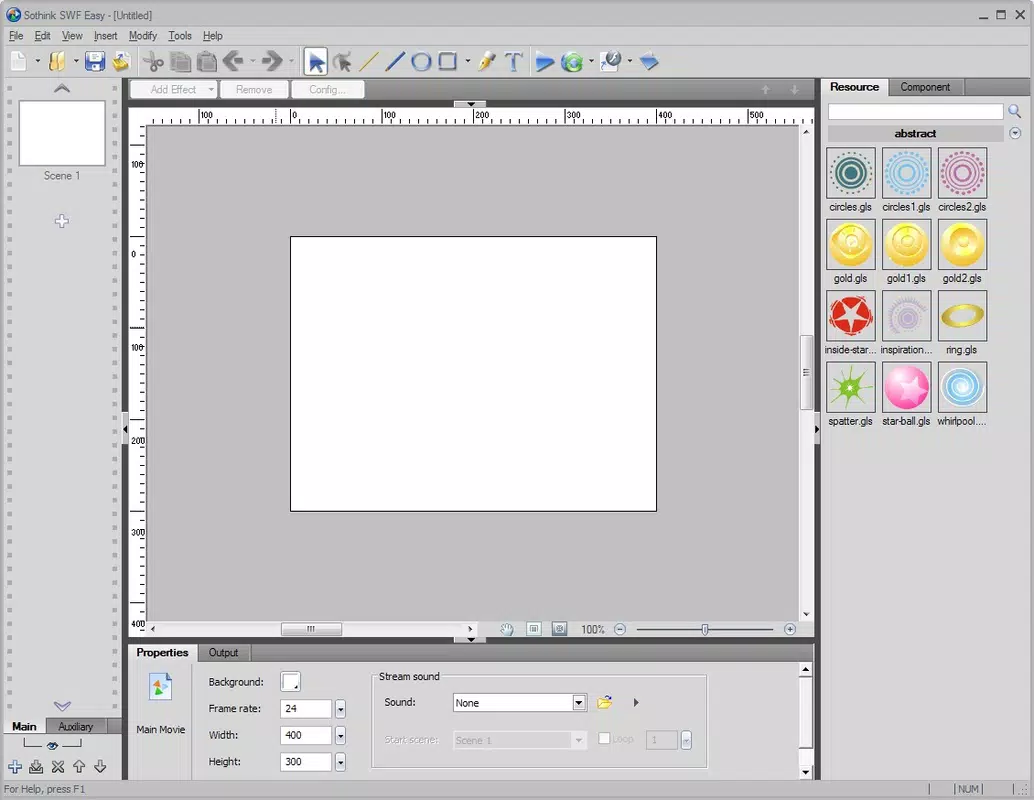
The user interface of SWF Easy is designed around clarity and ease of navigation. The layout emphasizes a clean, uncluttered workspace where tools and options are logically grouped. The WYSIWYG nature of the interface ensures that users can interact with their designs directly, minimizing the need for abstract controls.
Navigation is straightforward, with menus and toolbars positioned for quick access. The app supports touch-based interactions, making it suitable for use on tablets and smartphones. Users can drag elements, adjust timelines, and preview animations with minimal input steps.
Although the developer did not list formal performance metrics, the app appears to be optimized for responsiveness on a range of mobile devices. It maintains smooth operation during animation editing and previewing, suggesting efficient resource management. Stability is likely maintained through consistent updates, though specific release notes were not provided.
Overall, the user experience is focused on reducing friction. The app’s design encourages creativity by minimizing technical overhead, allowing users to concentrate on visual outcomes rather than software mechanics.
Platform Compatibility & Technical Requirements
SWF Easy is available on the Android platform, supporting mobile devices running the specified operating system. The app’s file size is 24.5 MB, indicating a lightweight footprint suitable for devices with moderate storage capacity.
Specific OS version requirements were not listed by the developer. Therefore, compatibility with older or newer Android versions cannot be confirmed. Users are advised to check their device’s system requirements before installation.
The app does not appear to require high-end hardware, which enhances its accessibility across a broad range of smartphones and tablets. However, actual performance may vary depending on device capabilities and background processes.
Pros and Cons
Pros
- Intuitive WYSIWYG interface ideal for beginners
- Wide selection of customizable templates
- Supports multiple export formats (GIF, SWF, AVI)
- Lightweight file size (24.5 MB)
- Designed for on-the-go web content creation
Cons
- Developer did not specify minimum OS requirements
- No information on update frequency or future development plans
- Export options may be limited compared to desktop alternatives
- Compatibility with all Android devices is not confirmed
- Limited customization depth for advanced users
FAQ
Is SWF Easy safe to download and install?
Yes, SWF Easy is available through official app channels. As with any mobile app, it is recommended to download only from trusted sources to ensure security and authenticity.
Can I use SWF Easy on iOS devices?
The developer has not indicated iOS compatibility. The app is currently available for Android only.
What file formats can I export from SWF Easy?
Users can export their animations as GIF, SWF, or AVI files, offering flexibility for different web and presentation needs.
Do I need prior experience to use SWF Easy?
No. The app is designed for beginners and features a user-friendly interface that requires no prior knowledge of animation or web development.
How often is SWF Easy updated?
The developer did not provide information about update frequency. Users should check the app store for the latest version and release notes.
Final Thoughts
SWF Easy stands out as a practical mobile tool for creating animated web content with minimal effort. Its focus on accessibility, combined with a versatile export system and a rich template library, makes it a valuable asset for beginners and casual users in web design. While advanced features may be limited, the app delivers on its promise of simplicity and functionality.
For anyone looking to produce professional-looking animations for websites or digital presentations without the complexity of desktop software, SWF Easy offers a streamlined solution. Its lightweight design and mobile-first approach enable users to work from virtually anywhere.
Download SWF Easy now


